

Project
Demos
The docs site ships with recorded terminal GIFs from the repo:
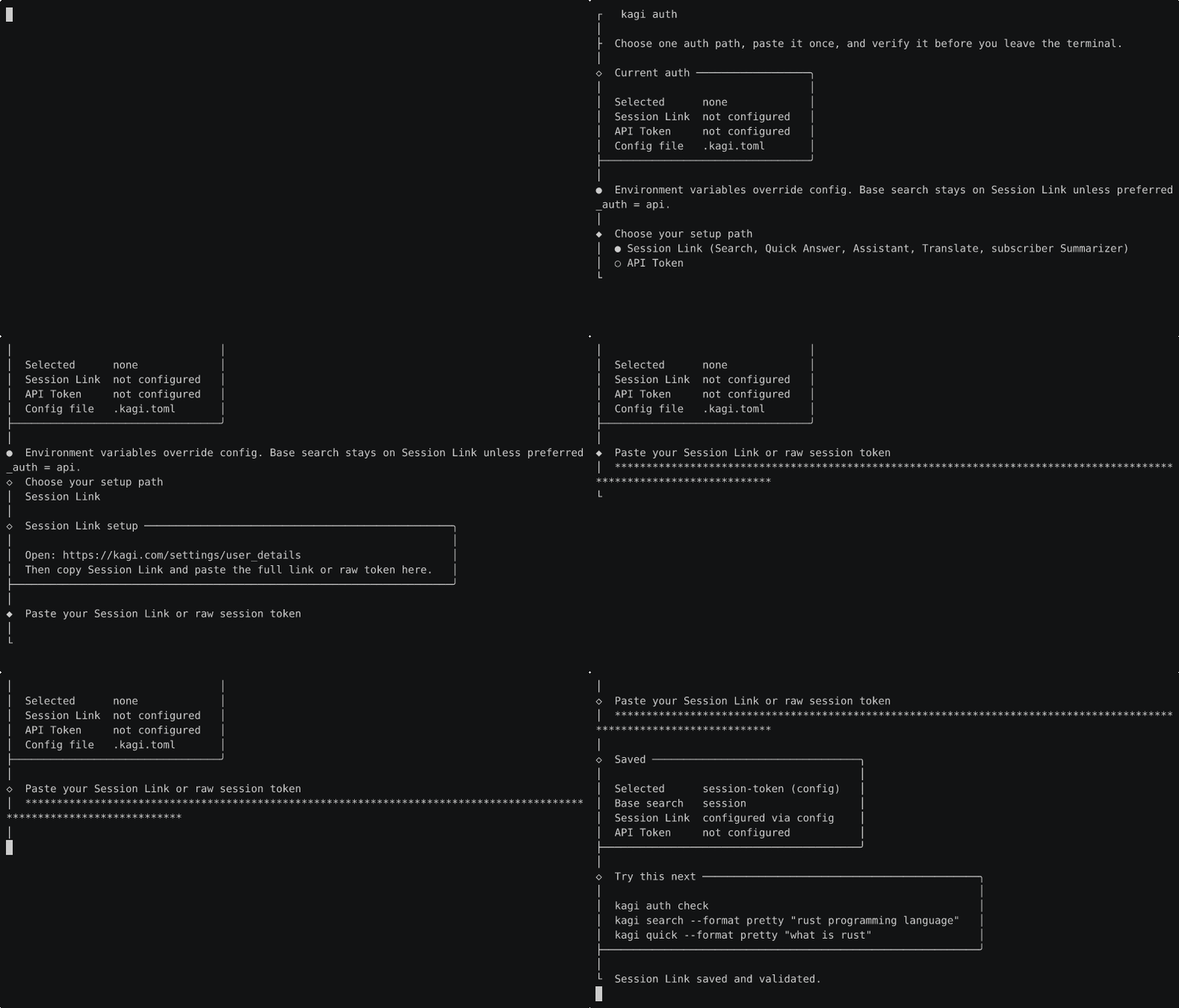
- auth
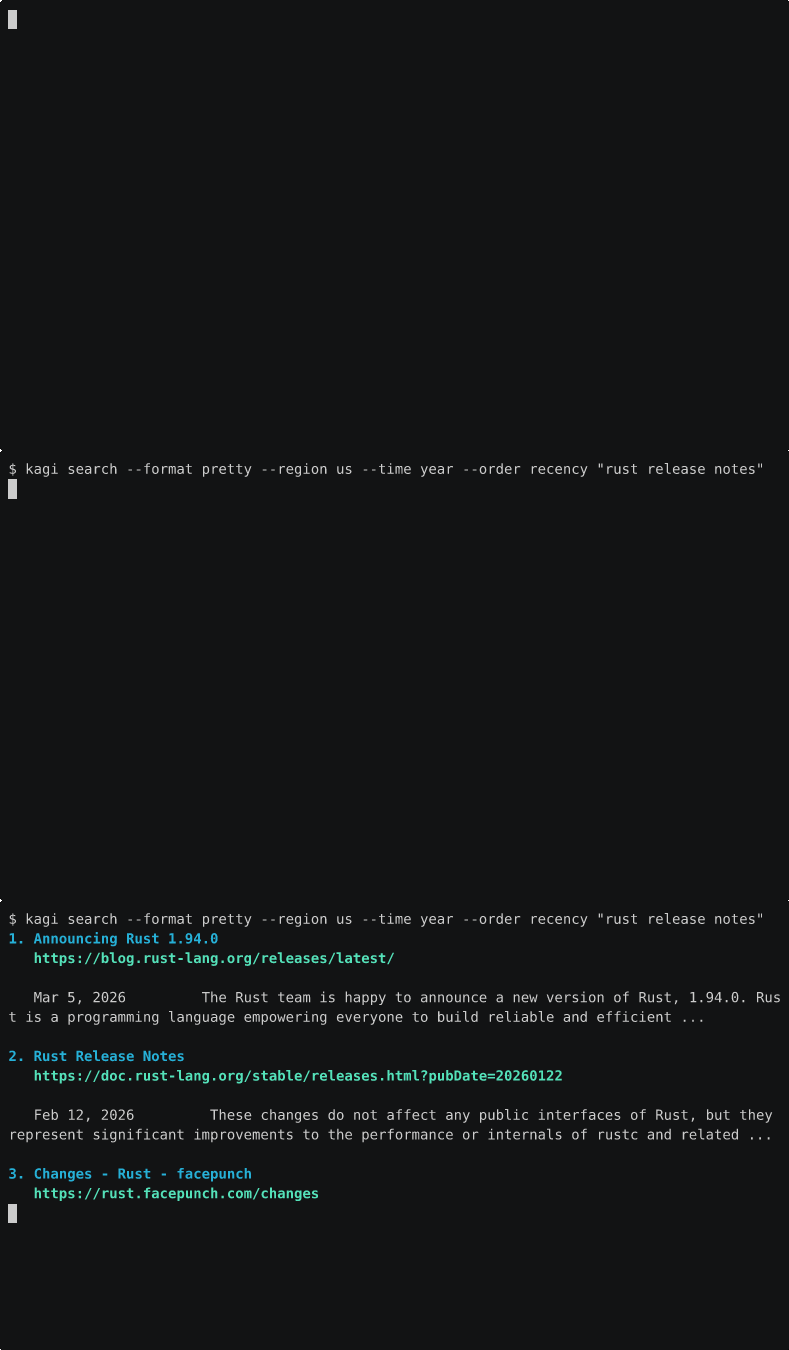
- search
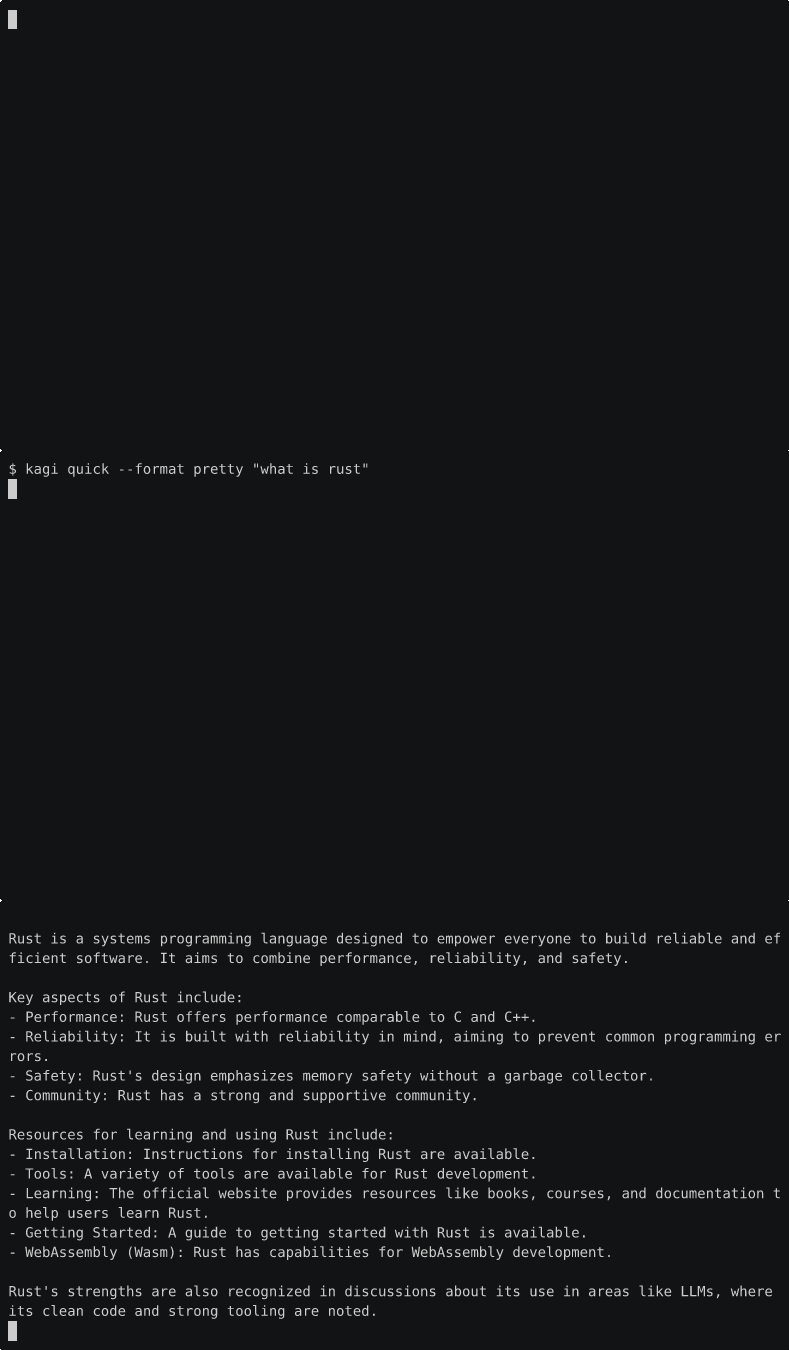
- quick answer
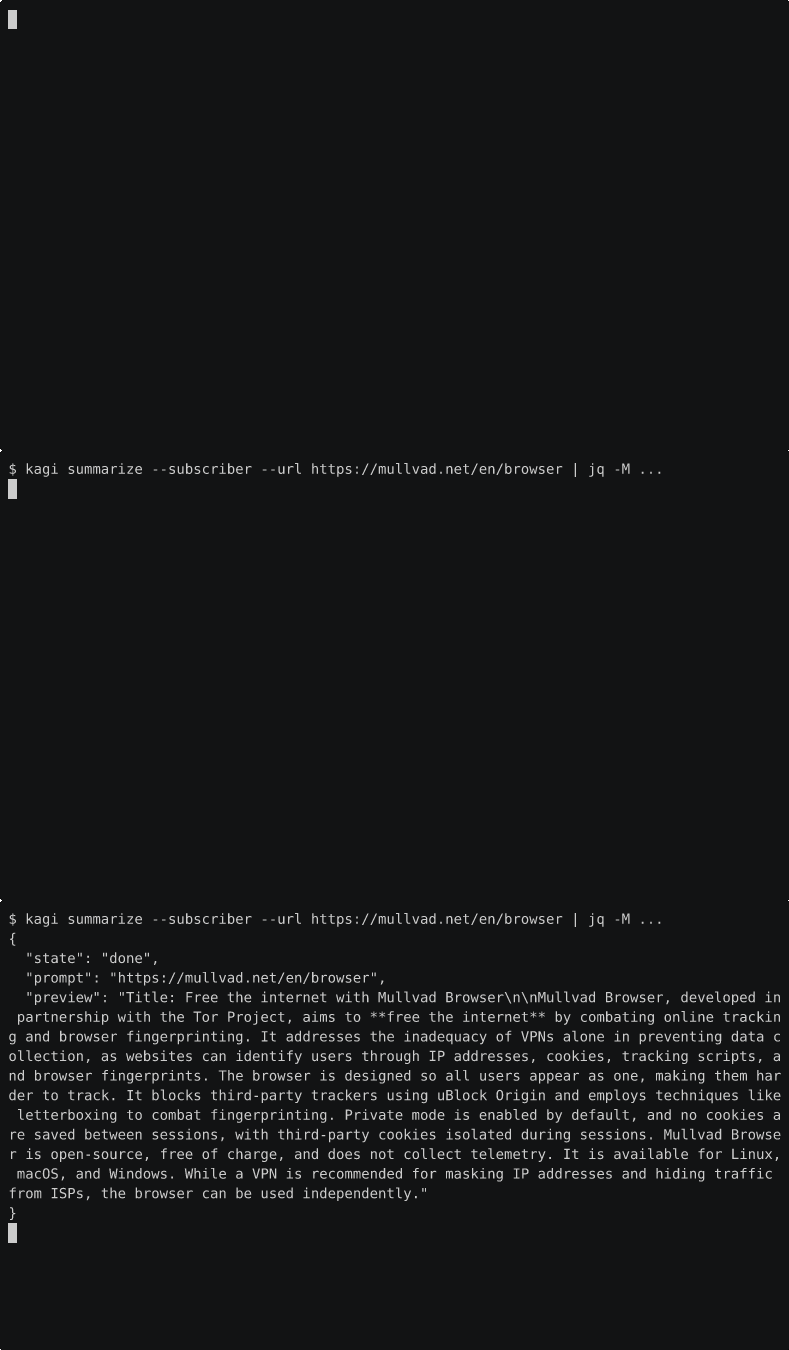
- subscriber summarize
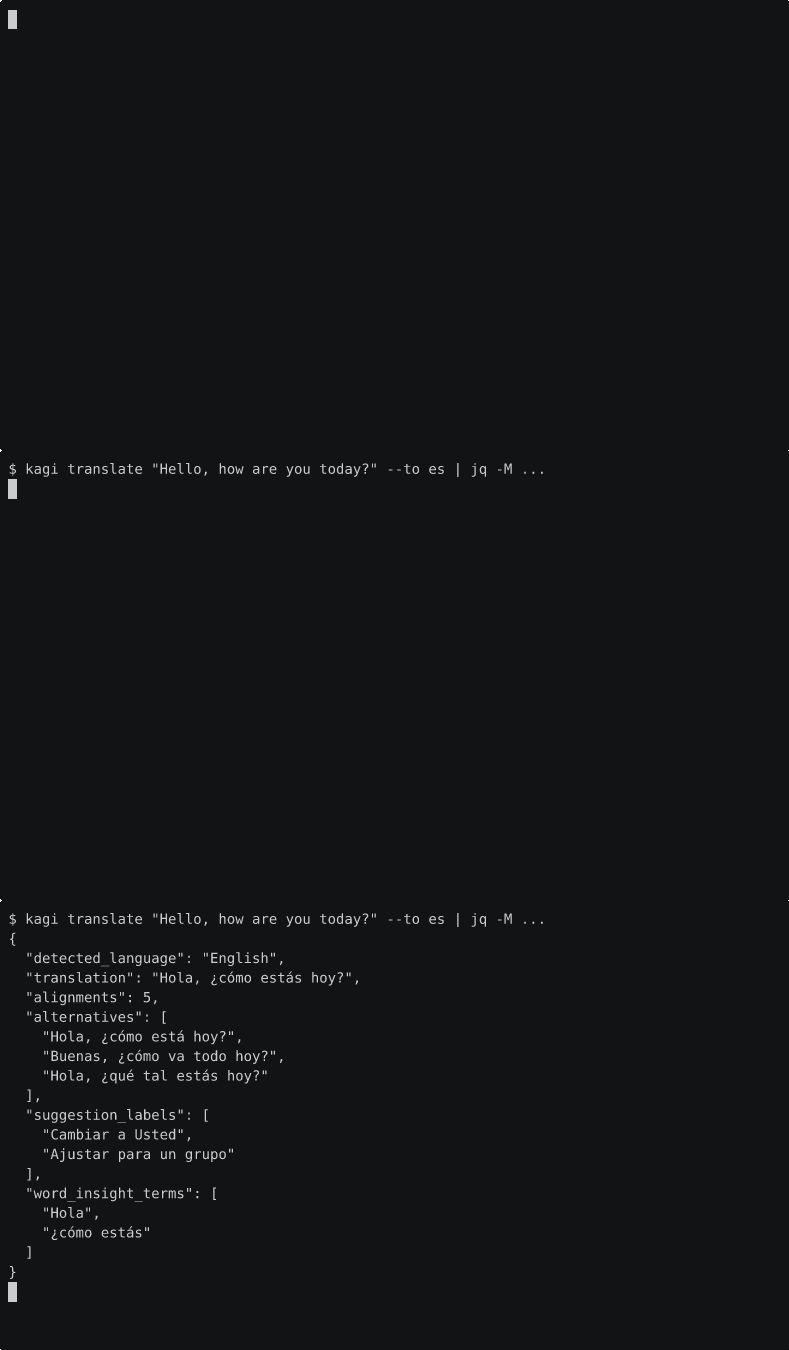
- news
- ask-page
- assistant
- translate
Preview
Auth
Search
Quick Answer
Subscriber Summarize
News
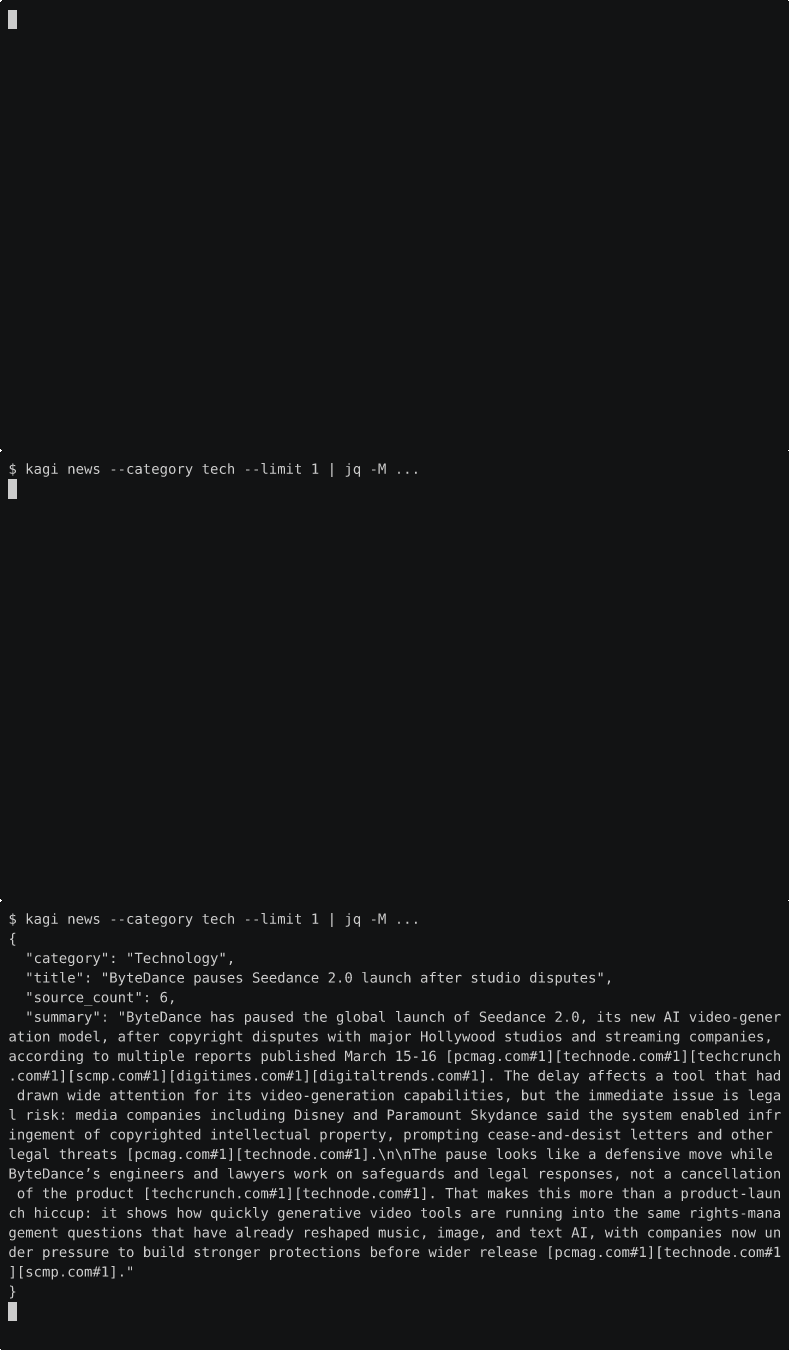
Assistant
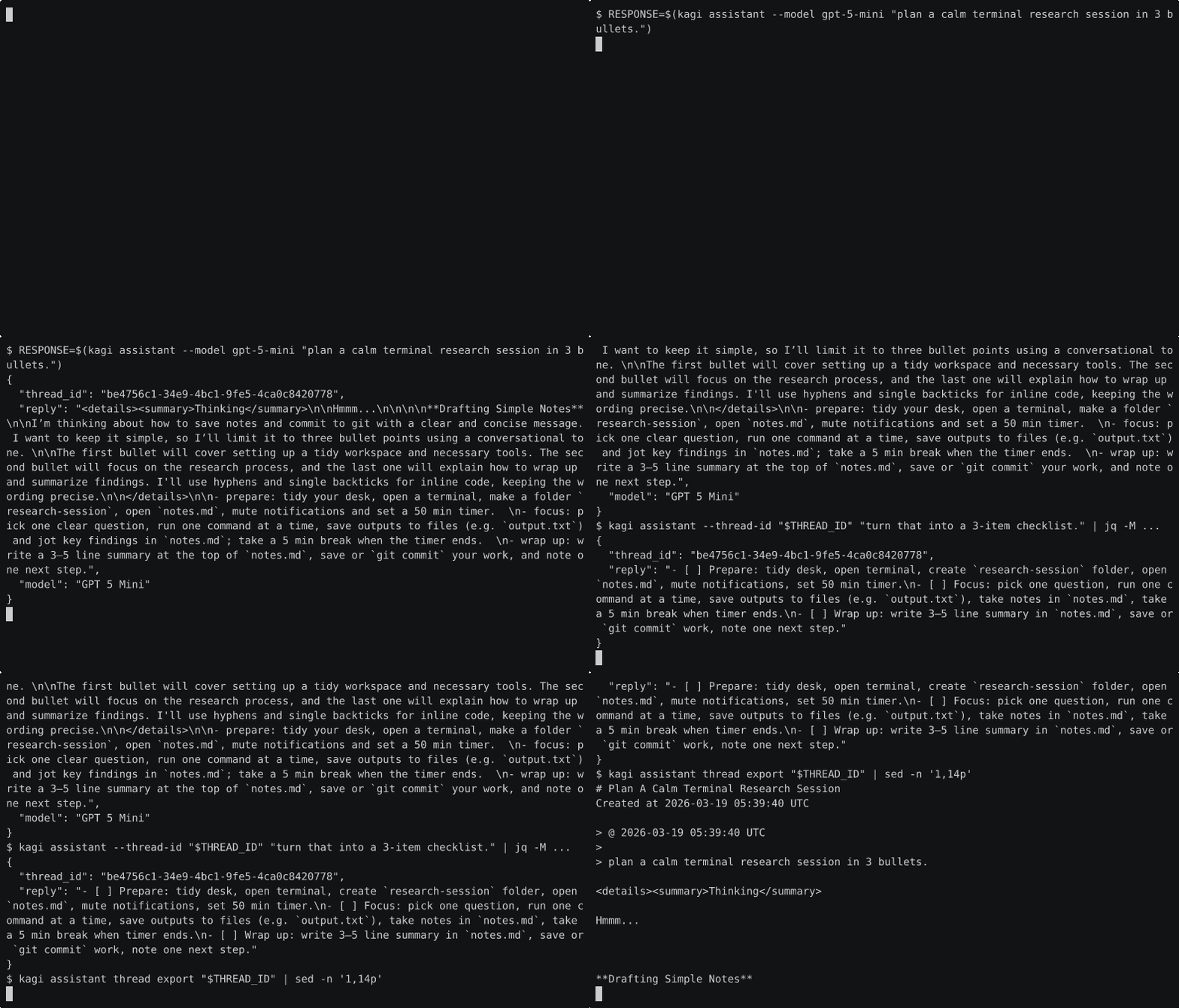
Ask Page
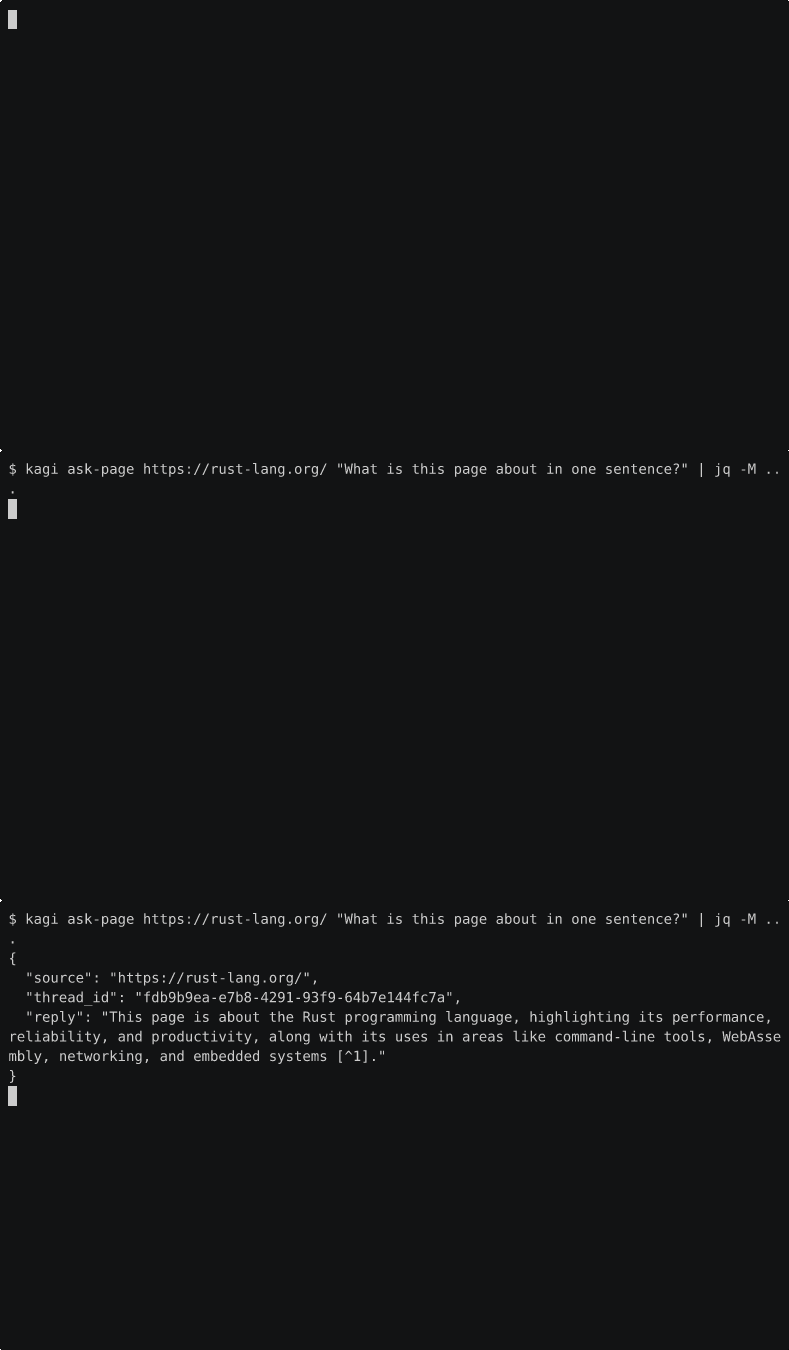
Translate
Regenerate
Subscriber demos require KAGI_SESSION_TOKEN.
The demo scripts build the local debug binary, expose it as kagi through /tmp/*kagi*-demo-bin, and add short intro and outro pauses so the commands stay readable in the final GIFs.
The current demo commands are:
kagi search --format pretty --region us --time year --order recency "rust release notes"kagi quick --format pretty "what is rust"kagi summarize --subscriber --url https://mullvad.net/en/browser | jq -M ...kagi news --category tech --limit 1 | jq -M ...kagi ask-page https://rust-lang.org/ "What is this page about in one sentence?" | jq -M ...kagi assistant "plan a private obsidian workflow for cafe work. give me 3 setup tips and a short checklist." | jq -M ...RESPONSE=$(kagi assistant --model gpt-5-4-nano "..."); THREAD_ID=...; kagi assistant --thread-id "$THREAD_ID" "..."; kagi assistant thread export "$THREAD_ID"kagi translate "Bonjour tout le monde" --to ja | jq -M ...
chmod +x scripts/demo-search.sh scripts/demo-quick.sh scripts/demo-summarize.sh scripts/demo-news.sh scripts/demo-ask-page.sh scripts/demo-assistant.sh scripts/demo-translate.sh

mkdir -p docs/public/images/demos /tmp/kagi-demos

agg --version
KAGI_SESSION_TOKEN='...' asciinema rec -c ./scripts/demo-search.sh -q -i 0.2 --cols 92 --rows 22 /tmp/kagi-demos/search.cast
KAGI_SESSION_TOKEN='...' asciinema rec -c ./scripts/demo-quick.sh -q -i 0.2 --cols 92 --rows 22 /tmp/kagi-demos/quick.cast
KAGI_SESSION_TOKEN='...' asciinema rec -c ./scripts/demo-summarize.sh -q -i 0.2 --cols 92 --rows 22 /tmp/kagi-demos/summarize.cast
asciinema rec -c ./scripts/demo-news.sh -q -i 0.2 --cols 92 --rows 22 /tmp/kagi-demos/news.cast
KAGI_SESSION_TOKEN='...' asciinema rec -c ./scripts/demo-ask-page.sh -q -i 0.2 --cols 92 --rows 22 /tmp/kagi-demos/ask-page.cast
KAGI_SESSION_TOKEN='...' asciinema rec -c ./scripts/demo-assistant.sh -q -i 0.2 --cols 92 --rows 22 /tmp/kagi-demos/assistant.cast
KAGI_SESSION_TOKEN='...' asciinema rec -c ./scripts/demo-translate.sh -q -i 0.2 --cols 92 --rows 22 /tmp/kagi-demos/translate.cast
Rendering
Use the official asciinema agg binary when exporting GIFs. On this machine, the correct binary may be the Cargo-installed one rather than an unrelated npm package that also installs agg.
agg --theme asciinema --font-size 14 --idle-time-limit 2 --last-frame-duration 4 /tmp/kagi-demos/search.cast docs/public/images/demos/search.gif
agg --theme asciinema --font-size 14 --idle-time-limit 2 --last-frame-duration 4 /tmp/kagi-demos/quick.cast docs/public/images/demos/quick.gif
agg --theme asciinema --font-size 14 --idle-time-limit 2 --last-frame-duration 4 /tmp/kagi-demos/summarize.cast docs/public/images/demos/summarize.gif
agg --theme asciinema --font-size 14 --idle-time-limit 2 --last-frame-duration 4 /tmp/kagi-demos/news.cast docs/public/images/demos/news.gif
agg --theme asciinema --font-size 14 --idle-time-limit 2 --last-frame-duration 4 /tmp/kagi-demos/ask-page.cast docs/public/images/demos/ask-page.gif
agg --theme asciinema --font-size 14 --idle-time-limit 2 --last-frame-duration 4 /tmp/kagi-demos/assistant.cast docs/public/images/demos/assistant.gif
agg --theme asciinema --font-size 14 --idle-time-limit 2 --last-frame-duration 4 /tmp/kagi-demos/translate.cast docs/public/images/demos/translate.gif